Where did your finger land?
The keyboard looks at exactly where your finger touched, not just which key it hit. Land between two keys and it still works out what you meant.
habe→have
Clavier NS fixes your mistakes as you type, and translates or rewrites your message with AI. You make your own GIFs, stickers and themes right inside the keyboard.
Tu viens dîner samedi ?

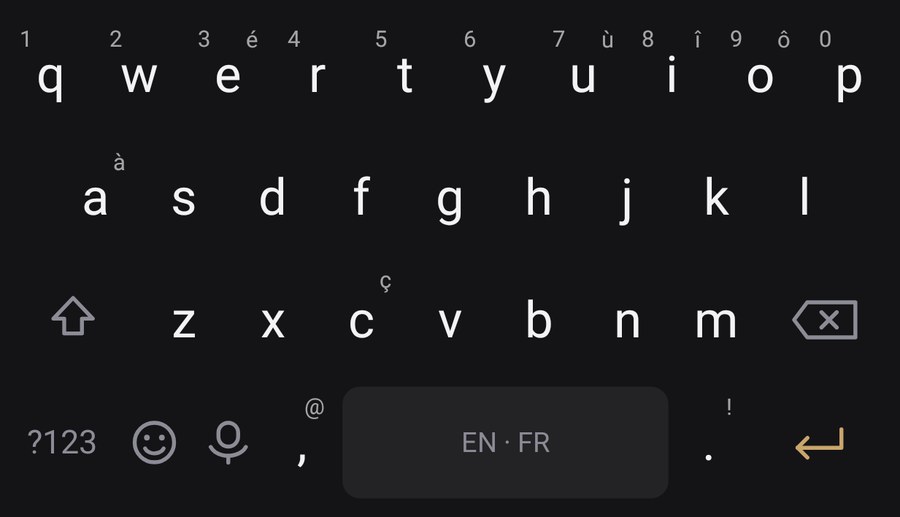
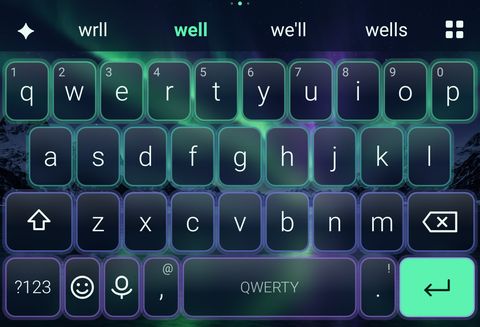
Wherever your thumb is on the keyboard, you swipe and the keyboard does the rest. The sentence next to this is being typed on this page, right now.
Hey! You type so much faster on your phone now, what happened?
Swipe right: space
Nobody checks every letter when typing fast. The keyboard fixes spelling, accents and apostrophes while you type. All of it runs on your phone, with no internet.
The keyboard looks at exactly where your finger touched, not just which key it hit. Land between two keys and it still works out what you meant.
No reaching for the apostrophe key. Type it plain and the keyboard fills it in.
It knows the usual misspellings and fixes them as you go.
Missed the space and ran two words together? The keyboard splits them.
It learns the words you use often and the way your thumbs land. Swipe up to keep a word and it never touches that word again.
Four languages stay active at once. The keyboard works out which one you are typing and corrects by that language's rules. No switching keyboards.
Swipe the strip above the keyboard sideways. You choose which buttons appear, and in what order, in the settings.


Tu viens dîner samedi ?

How's the report going?
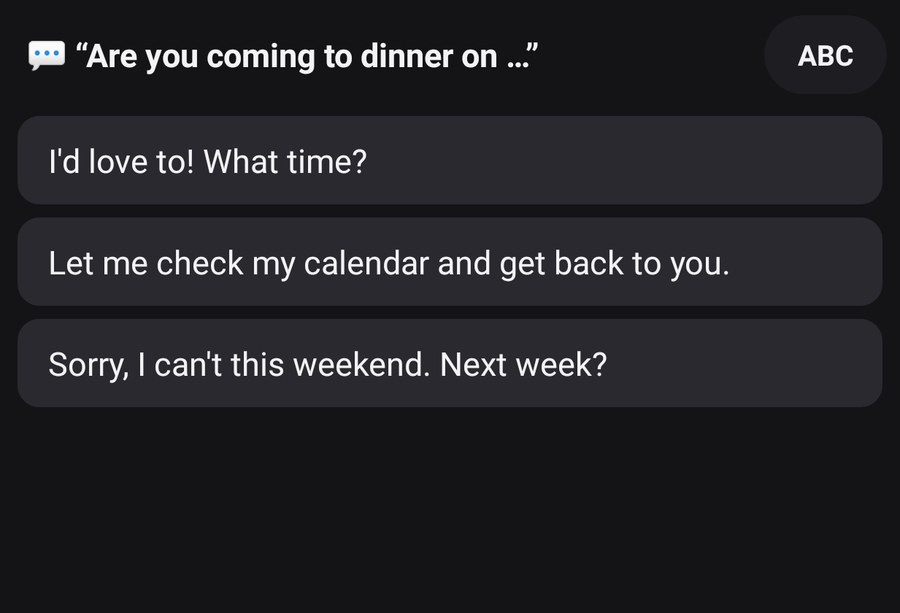
Salut Sam ! Tu viens dîner samedi soir ? On sera six et Léa apporte le dessert. Dis-moi si tu peux venir !
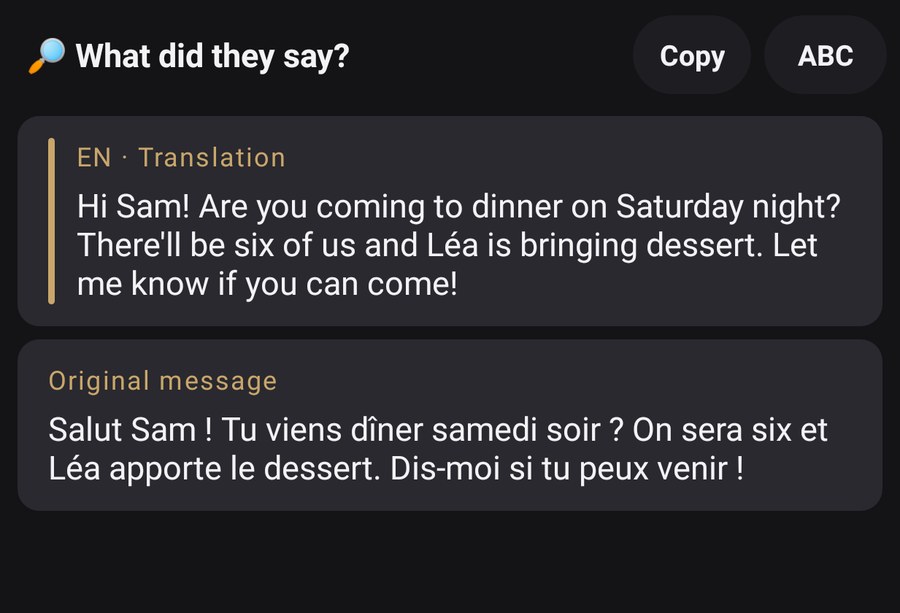
Are you coming to dinner on Saturday night? There'll be six of us.
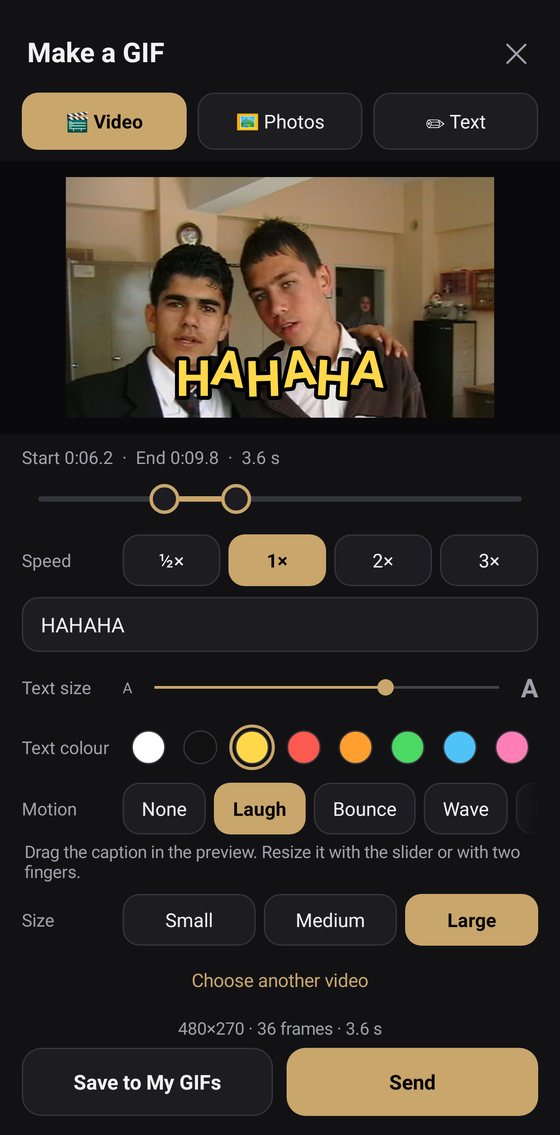
Make a GIF from a video, from photos or from plain text, inside the keyboard. Your stickers live there too. Everything is made on your phone and never goes online.
Pick the part of a video you want, line up some photos, or just type. Drag the caption with your finger and choose its size, colour and motion.
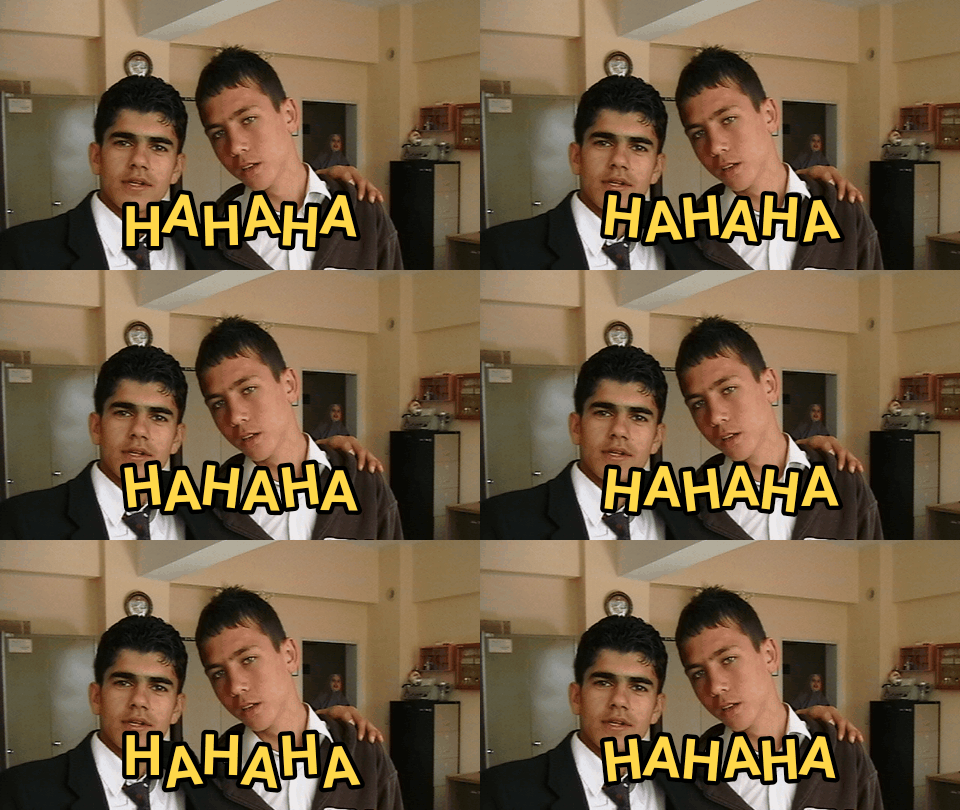
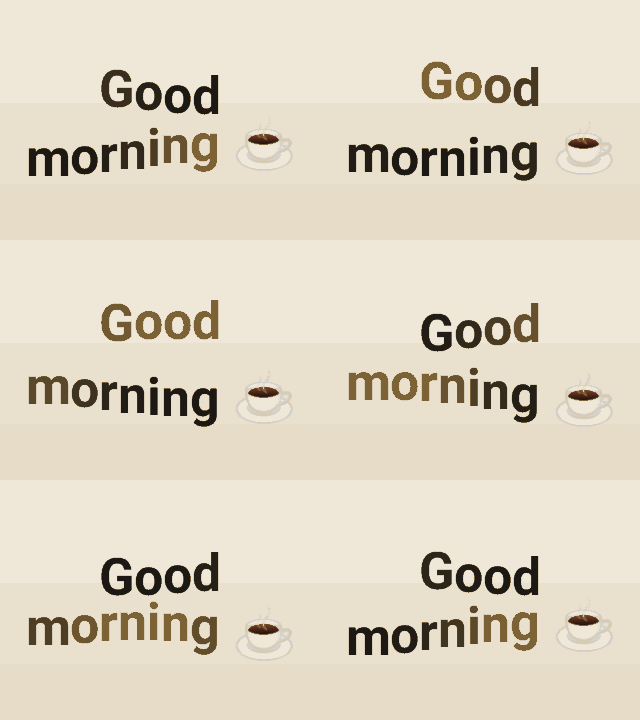
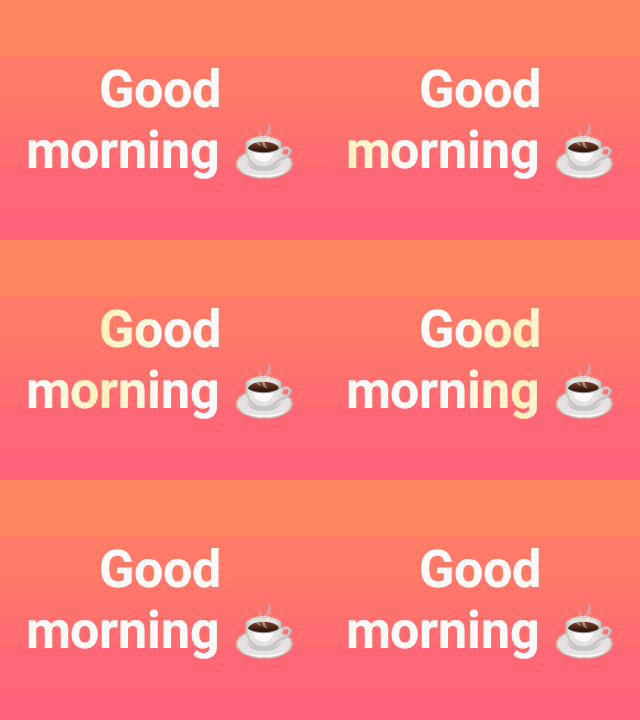
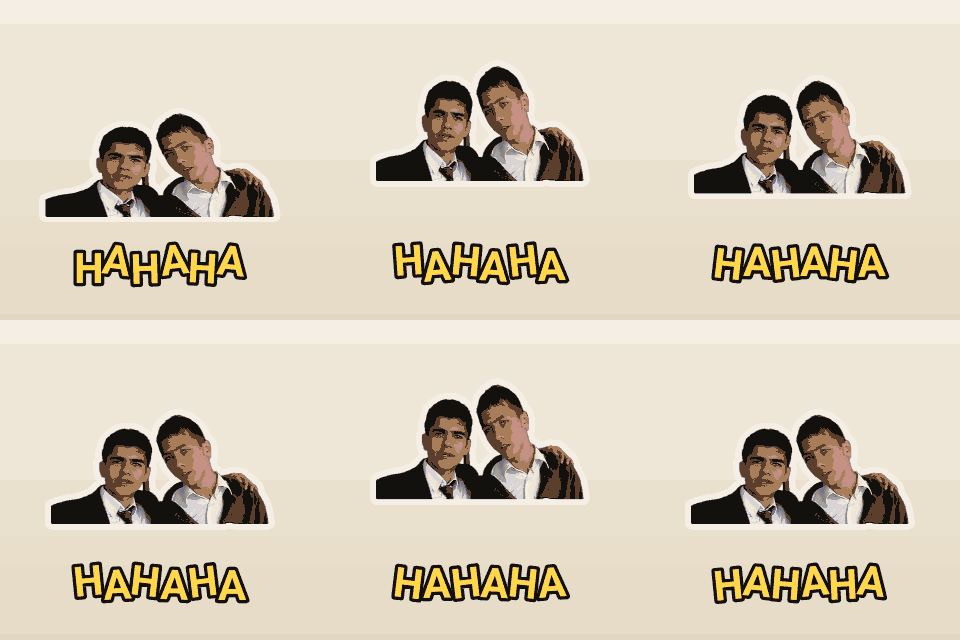
Long-press any sticker, built-in or your own, make it bounce or shake and add your text. The animated version is saved to your GIFs.
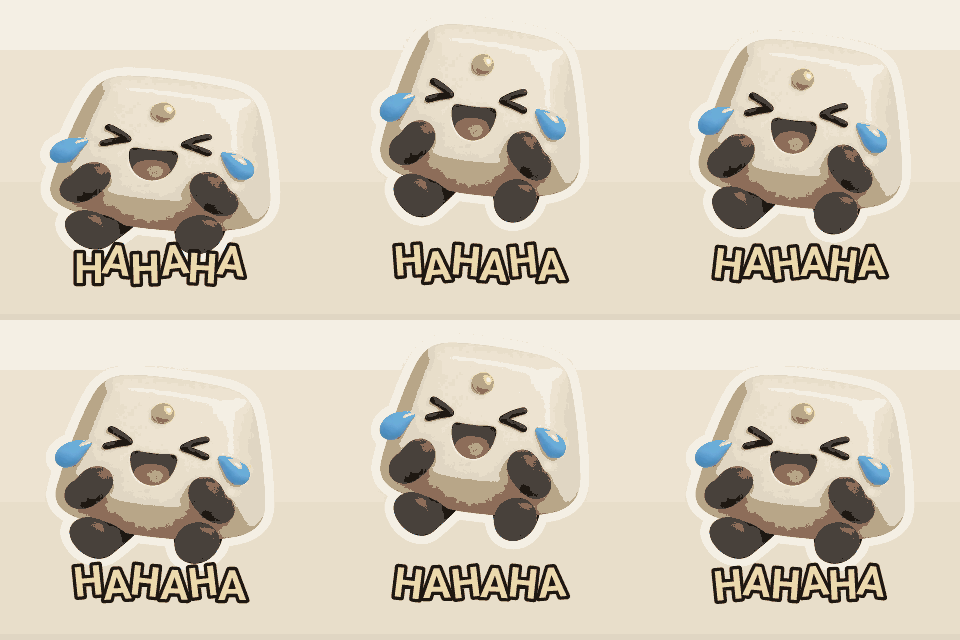
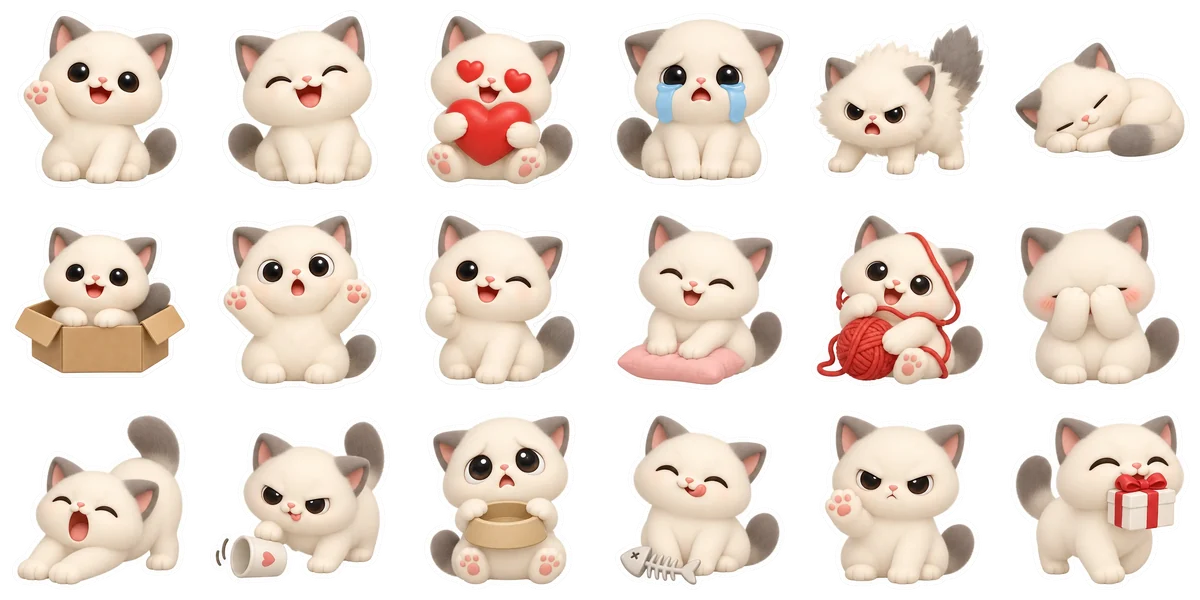
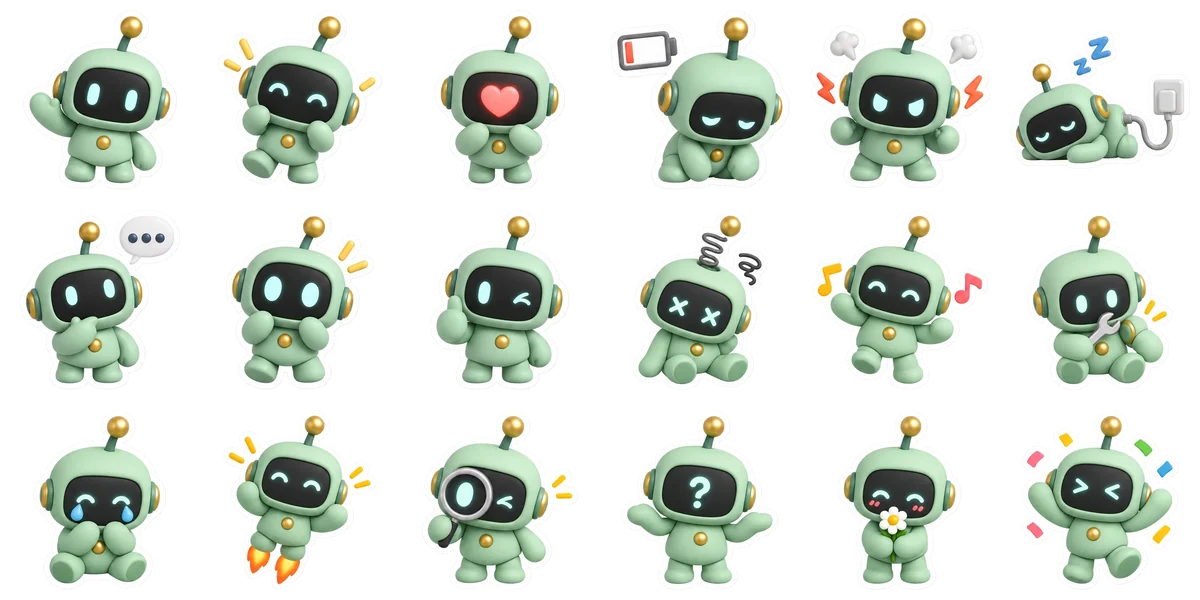
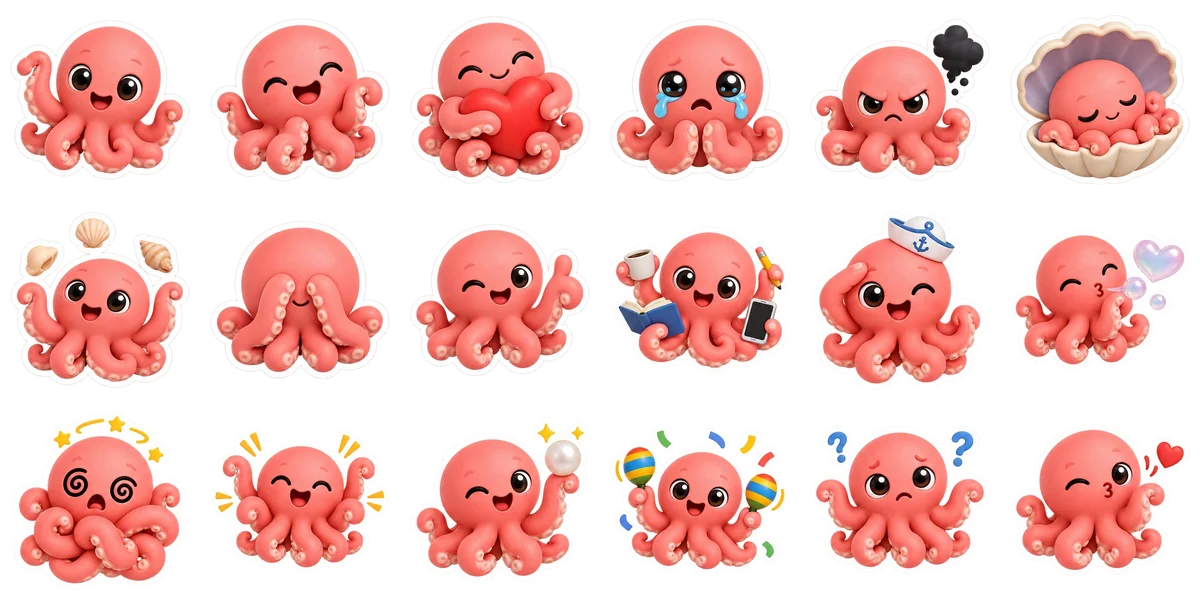
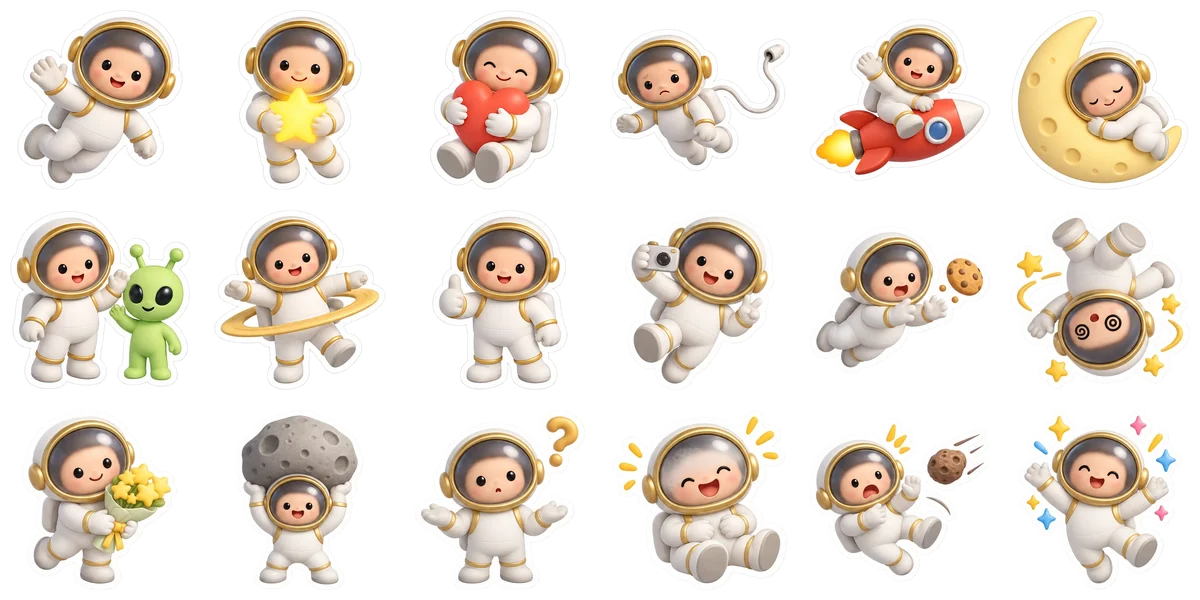
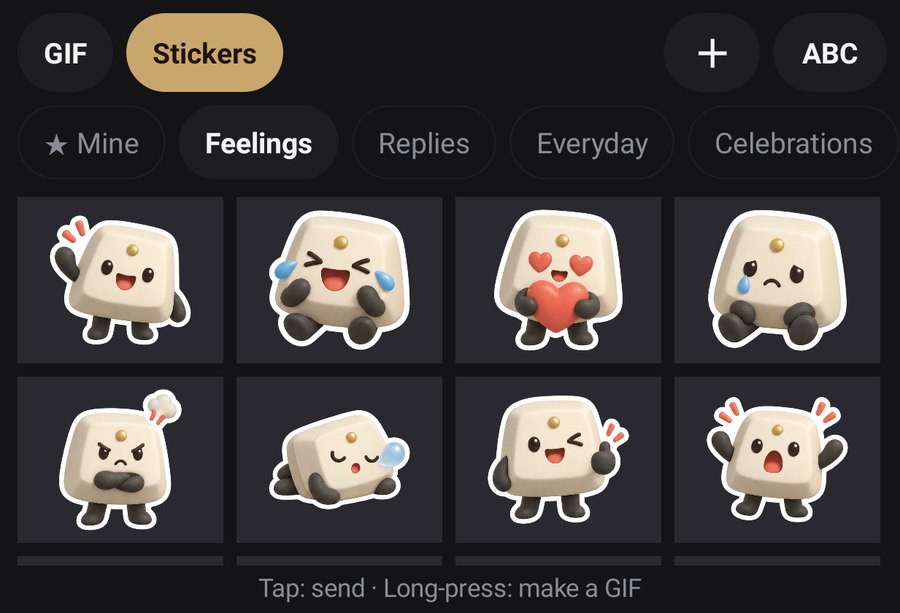
They all come inside the keyboard, with nothing to download and nothing to pay. The main character is Key: the cream key from our logo.
In the sticker library you see every sticker in a pack before you download it. Download the ones you like with one tap. All free, no account needed.
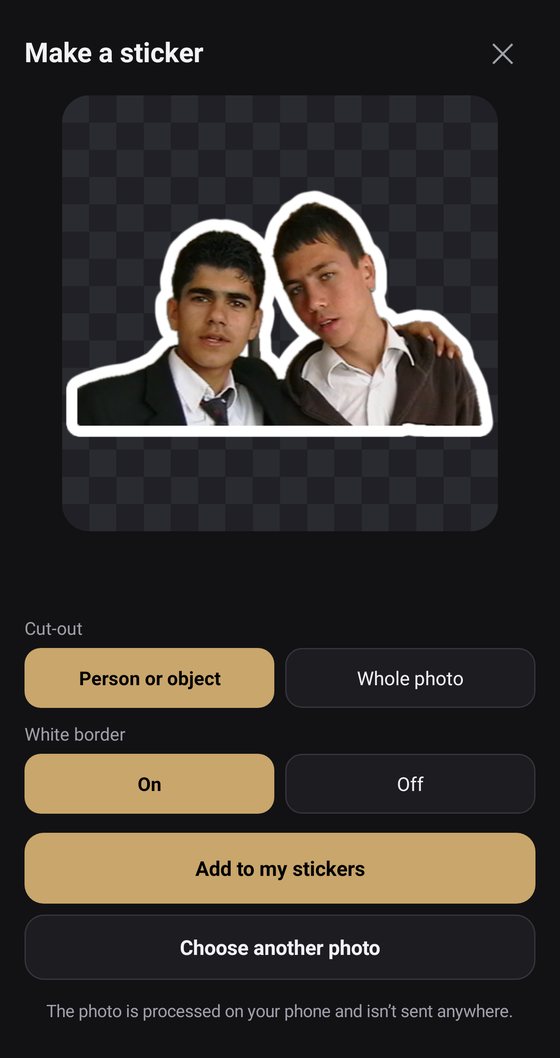
Make your own sticker in four steps. The photo is processed on your phone and is not sent anywhere.
Tap a sticker and it is added to the app you are typing in. Swipe sideways to move between packs.
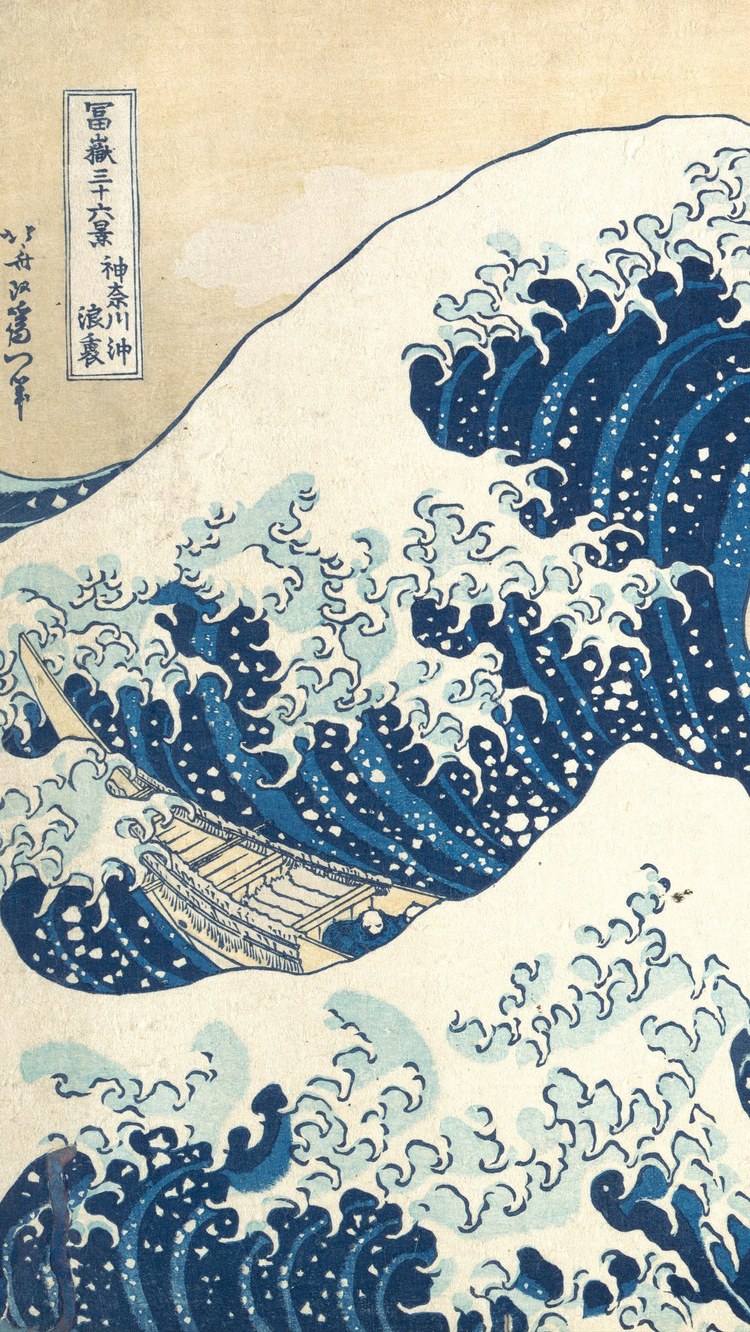
Choose a theme from the gallery, or build your own from a photo, your wallpaper or a few colours. Or let AI design one for you.
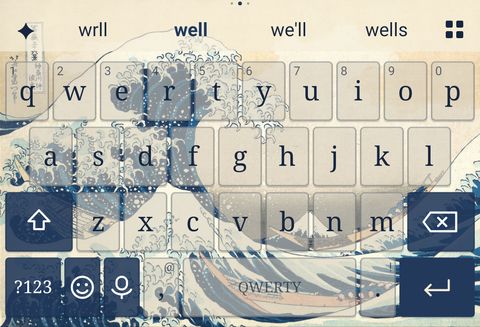
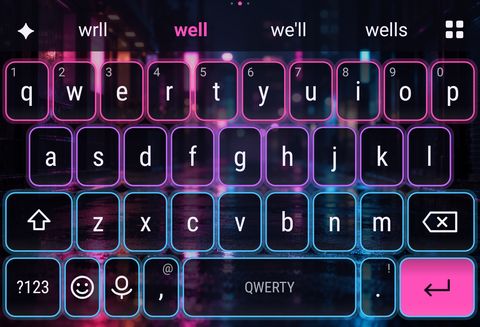
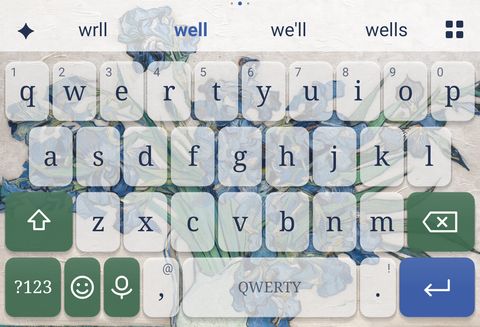
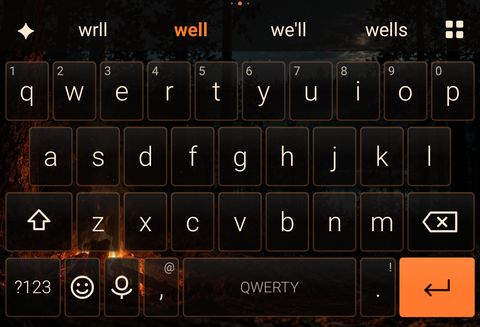
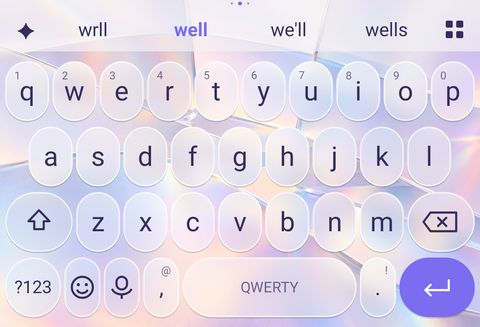
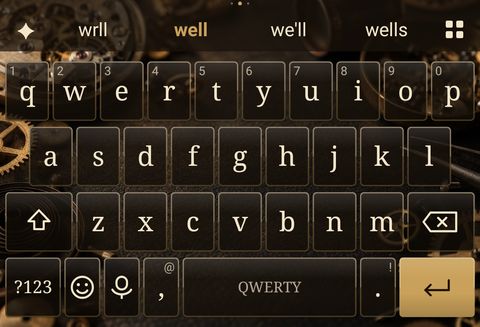
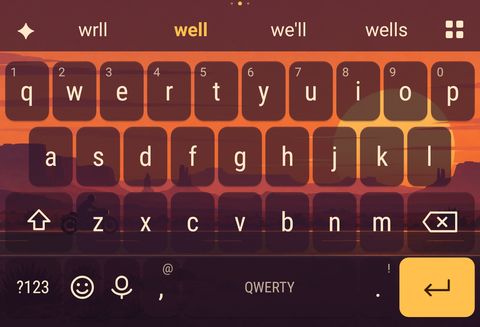
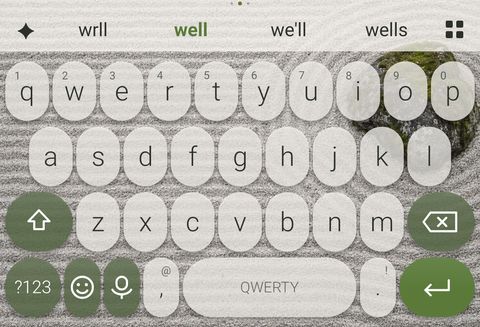
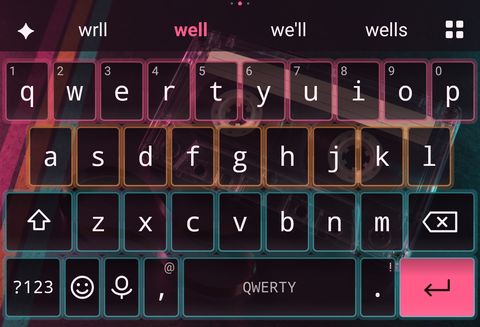
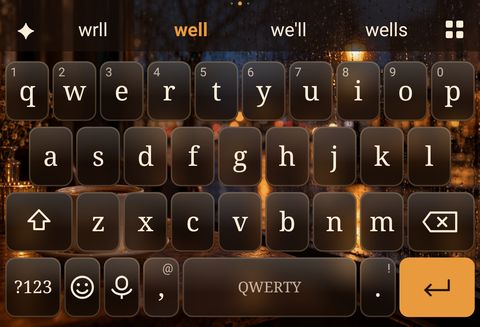
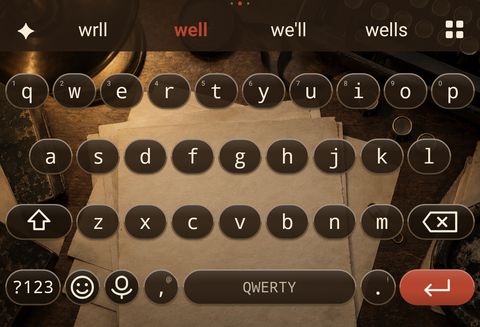
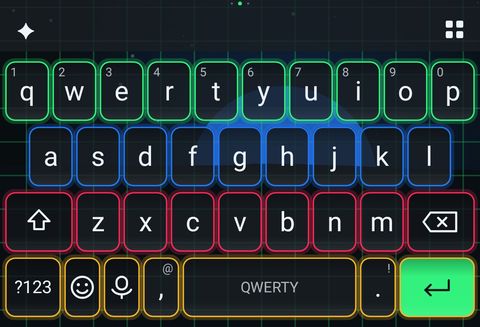
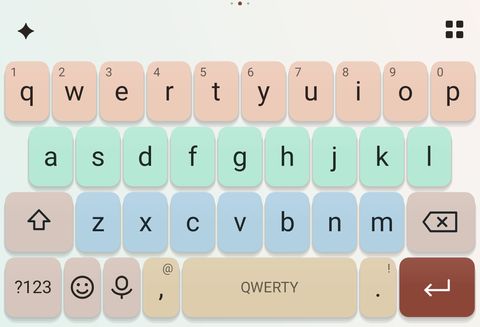
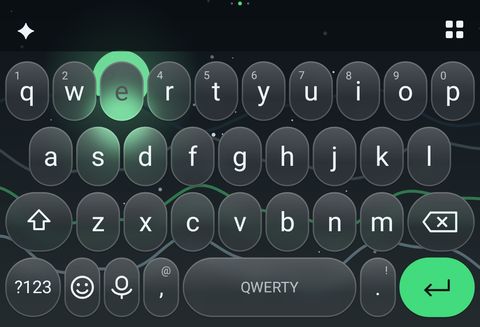
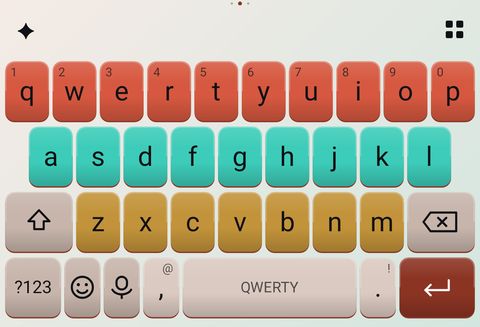
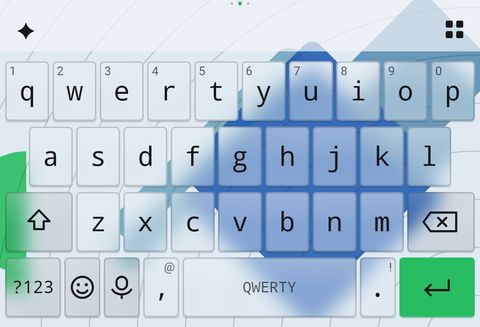
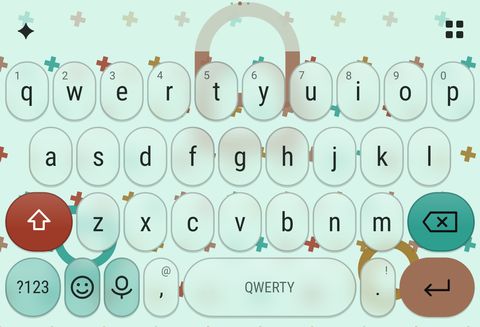
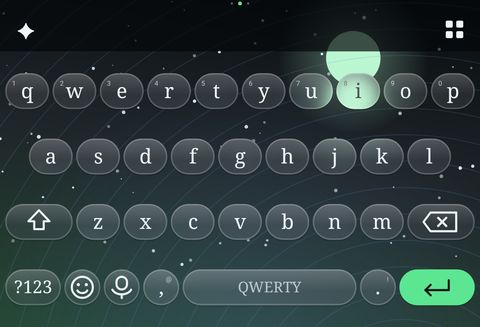
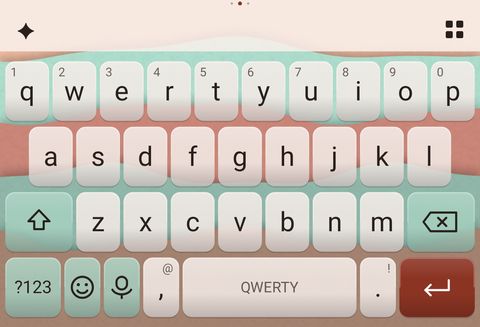
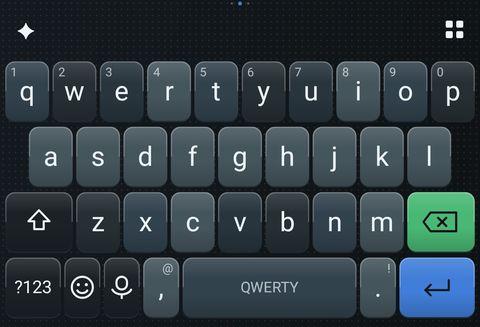
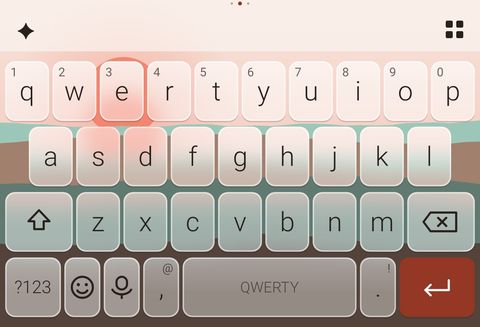
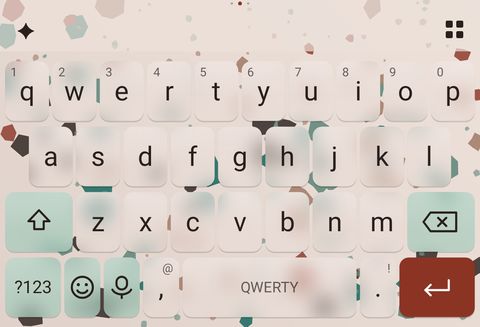
Some gallery themes follow the clock. The same scene arrives in a different light at dawn, by day, in the evening and at night.

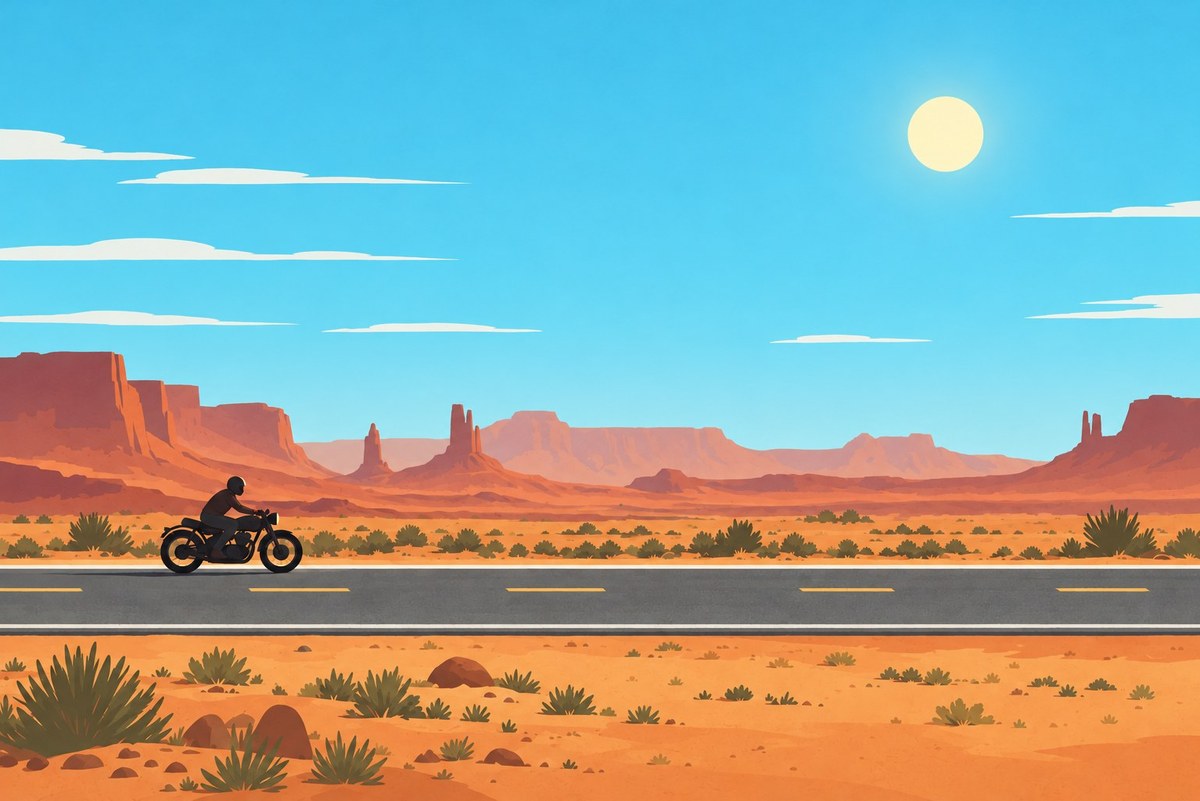


Every gallery theme is a set: the keyboard, a matching wallpaper and a key sound that fits the theme.




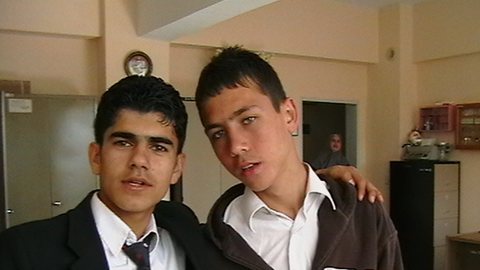
Pick a photo. The keyboard uses it as the background, carries its colours over to the keys and offers three styles that keep the letters readable.
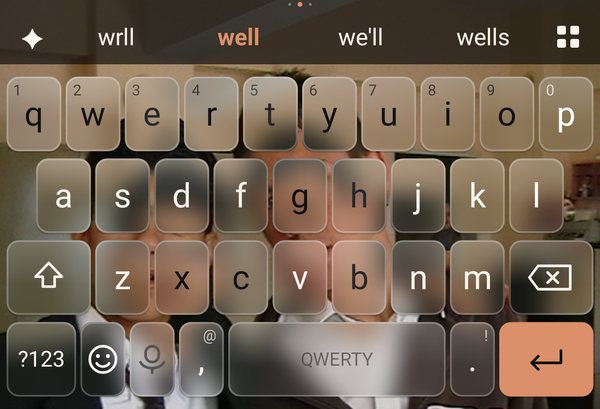
Every theme comes in four styles. Pick one below and watch the same theme change.
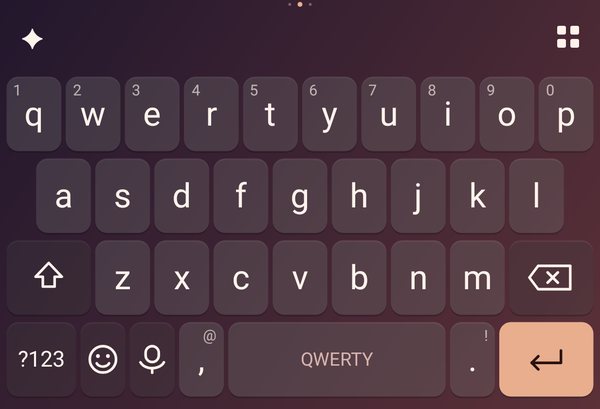
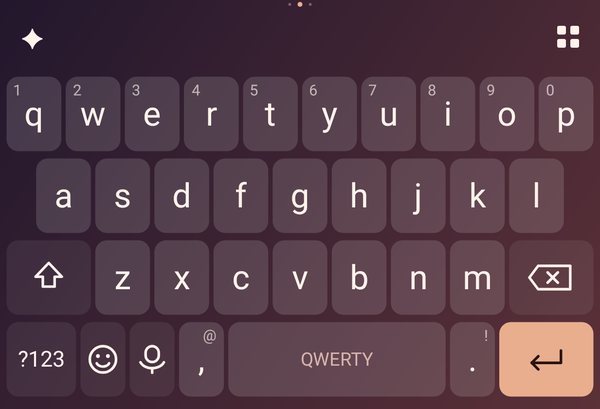
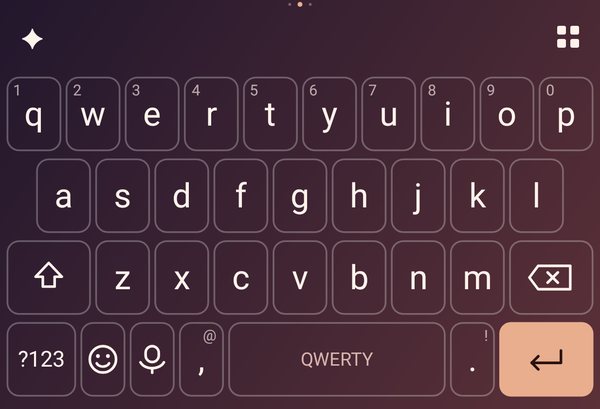
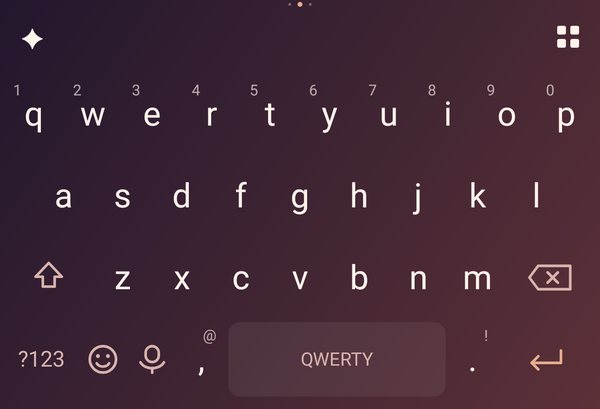
The theme is only the start. Set the keyboard's size, layout, strip, sound and keys the way you like. It is all in the settings, with no account.
Make the whole keyboard bigger or smaller with one slider. Or set key height, letter size and key spacing separately.
QWERTY, AZERTY, QWERTZ or Turkish Q. Save three keyboards and swipe sideways on the space bar to move between them.
The keyboard leans right or left, and you choose how wide it is. A quick inward flick from the delete or shift key is enough.
Turn on the number row, hide the emoji and microphone keys, switch off the corner hints. A key you never use takes no room.
Which buttons appear, what order they sit in, which page the keyboard opens on: your choice. Press and hold a button, then drag it into place.
21 key sound packs, volume, vibration, a touch effect and a swipe trail. Each one can be turned on or off.
Give a short code to something you type often. It expands when you press space.
Pick one light and one dark theme. When the phone goes dark, the keyboard follows.
Turn correction and gestures on or off one by one. All your settings back up to a single file.
A keyboard sees everything you type, so we say plainly what ours does.
Android shows a warning for every keyboard other than Google's own. Read the full privacy policy
Typing, correction, gestures, GIFs and the ready-made themes cost nothing. You pay only for AI and the gallery.
 Clavier NS
AI and the gallery are free to try for 3 days, then €5.99 a month.
Clavier NS KeyAI runs on your own API key. You pay your provider for what you use.
Prices are for Belgium. They vary slightly in other countries with VAT.
Android shows this warning for every keyboard other than Google's own. Clavier NS processes what you type on the phone. Text is sent only when you tap an AI button.
You can download 20 Latin-script languages: English, French, Dutch, German, Spanish, Italian, Turkish and more. Four can be active at once. Translation works in 24 languages.
Yes. Typing, correction, gestures, GIFs and the free themes always stay available. Only the AI buttons and the gallery need a subscription.
No. GIFs and stickers are made on the phone and stay there. They are added to the app you are typing in only when you tap one.
From the developer page of Gemini, OpenAI or Claude. The app takes you to the right page and tests the connection once you enter the key.
No, Clavier NS is Android only for now.
Setup takes a minute. If you don't like it, you are one tap away from your old keyboard.
Get it on Google Play